Bookmark Dashboard
A clean, modern Chrome extension that replaces your new tab with an organized, searchable bookmark dashboard. Browse by folder, search by title or URL, switch between grid and list view.
View on GitHub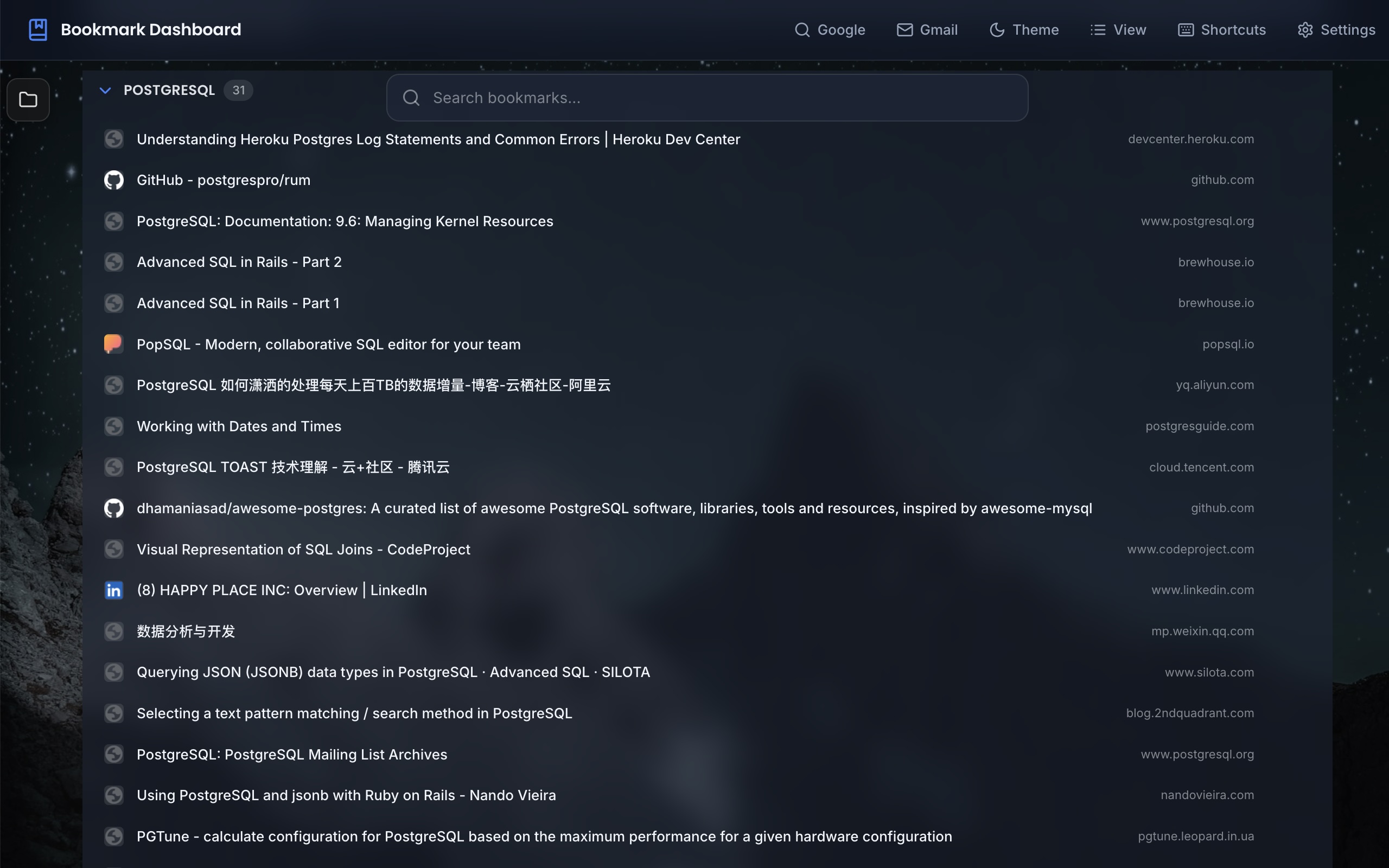
A clean, modern Chrome extension that replaces your new tab with an organized, searchable bookmark dashboard. Browse by folder, search by title or URL, switch between grid and list view.
View on GitHub
All Chrome bookmarks organized by folder hierarchy.
Search bookmarks by title or URL.
Switch between grid and list display modes.
Choose your preferred theme.
Optional clock with personalized greeting.
Set your name for the greeting.
Clean, organized view of your bookmarks. Browse by folder or search across all.
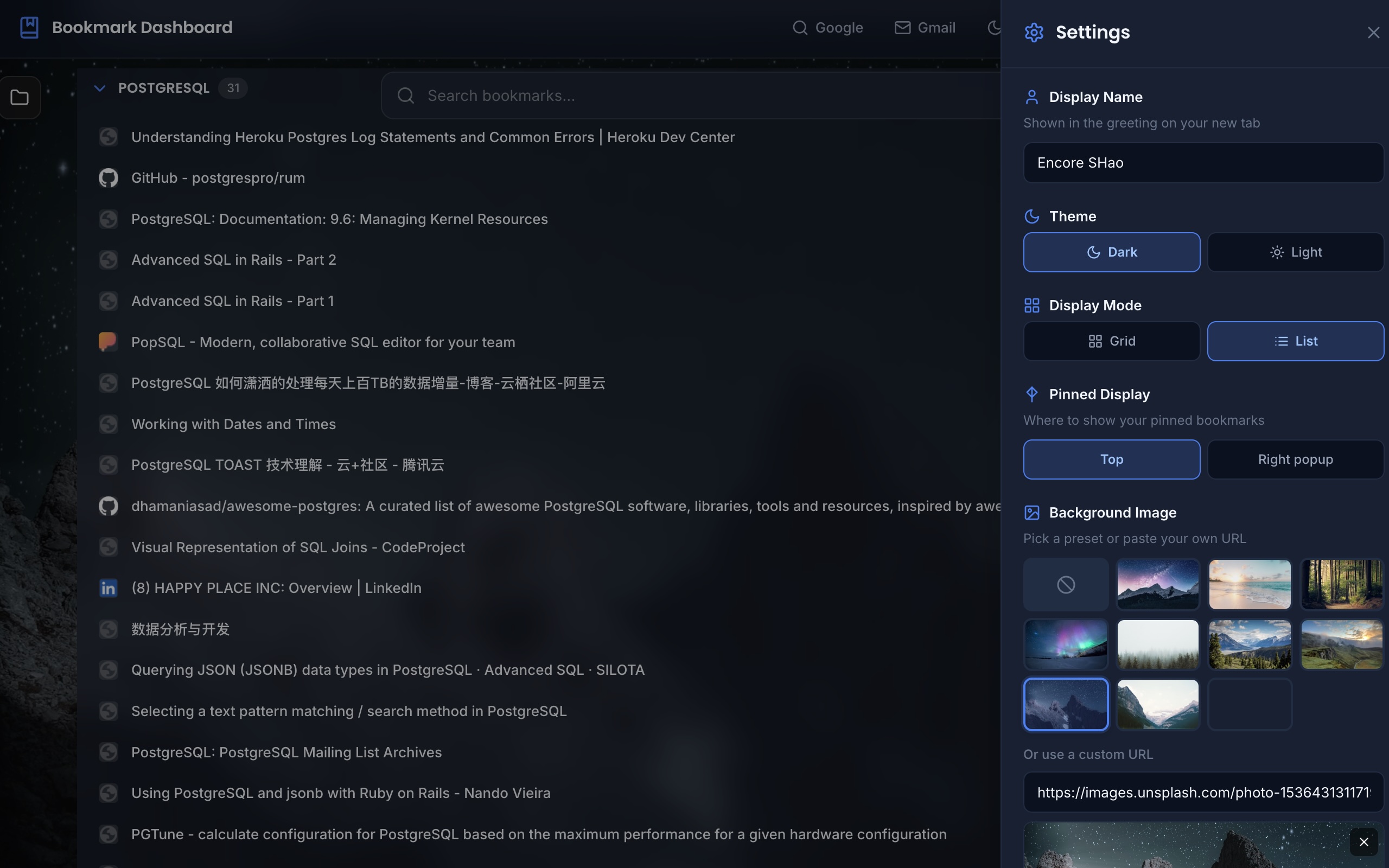
Display Name, Theme (dark/light), Display Mode (grid/list), Clock toggle.
chrome://extensions/